Titan Two PS5 Setup Guide (P5 Adapter)
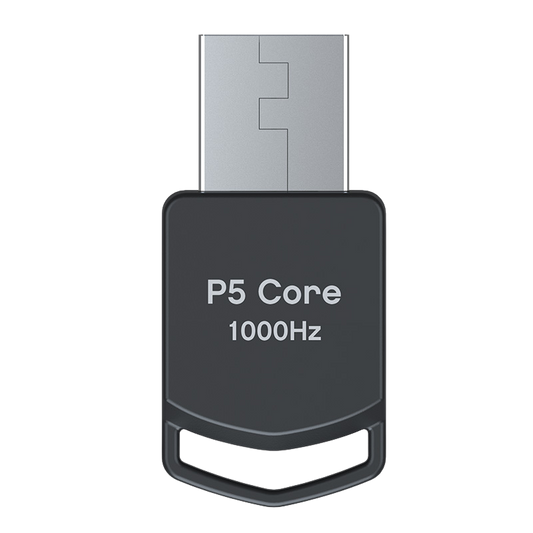
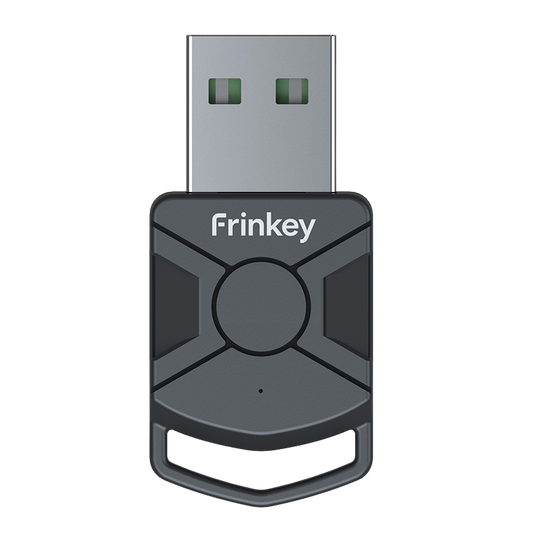
Step-by-step instructions on how to set up the Titan Two with the P5 Adapter for use on PlayStation 5. The P5 Adapter is required for compatibility with PS5 systems and is sold separately.

1
Connect the Titan Two to your PC or Mac using the included USB cable via the PROG port.

2
Open the configuration software on your computer and access the device settings.

3
Set the output protocol to PlayStation 5 and save the settings.

4
Disconnect the Titan Two from your computer, switch the rear port to OUTPUT, and connect the device to your PlayStation 5 using a USB cable.

5
Connect the P5 Adapter to Port B on the Titan Two.
The “B” LED should turn solid green.

6
Connect your controller to Port A on the Titan Two.
Your Titan Two is now ready to use on PS5.
The device operates through standard controller input signals and does not modify any game software.
Compatibility Note:P5 Adapter General and P5Core are functionally identical. They provide the same PS5 authentication required for Titan Two and can be used interchangeably. The only difference is the product name and branding used by different retailers or manufacturers.
Upgrade Your Setup
-
Titan Two All in One Universal Controller Device
Regular price 623,00 PLNRegular price -
P5 Core Adapter for Titan Two
Regular price 171,00 PLNRegular price -
Titan Two Connection Kit USB Cables for Console and PC Setup
Regular price 117,00 PLNRegular price -
Titan Two Bluetooth Module Expansion Kit
Regular price 171,00 PLNRegular price