Titan Two Device Expansion Kit
Titan Expansion Kit Overview
The Titan Expansion Kit (sold separately) adds Bluetooth wireless functionality and expanded memory to the Titan Two device.
Introduction
Thank you for purchasing the Titan Expansion Kit.
You are just a few steps away from enabling Bluetooth connectivity and extending the memory capacity of your Titan Two. Follow the installation and first-time configuration steps outlined below to complete the setup.
The Titan Bluetooth Module enables low-latency wireless communication with controllers and consoles that support Bluetooth technology. Once installed, the Titan Two can manage up to four simultaneous Bluetooth connections:
- 2 input devices
- 1 output connection
- 1 programming/configuration connection
The Bluetooth Module requires a Micro-SD card to operate.
The included MicroSD card expands the number of available memory slots and enables advanced binary configuration files. It also stores the system files required to initialize the Bluetooth Module and the Xbox Wireless Adapter.
Package Contents
- Bluetooth Module
- Micro-SD Card (512 MB)
Bluetooth Module
The Titan Bluetooth Module features a Dual-Mode Bluetooth 4.1 Class 1.5 controller, supporting:
- Basic Rate (BR)
- Enhanced Data Rate (EDR)
- Low Energy (LE)

It supports up to four active connections with a wireless range of up to 55 meters.
The Titan Two uses a dedicated low-latency interface that connects the Bluetooth Module directly to the microcontroller, ensuring the fastest possible response times for wireless connections.
Micro-SD Card (512 MB)
The MicroSD card significantly expands the Titan Two’s capabilities beyond its internal flash memory. It provides additional storage space, supports advanced binary configurations, and stores essential system files required for Bluetooth functionality.

Installing the Bluetooth Module
1. Power Off the Device
Disconnect all USB cables and any external power supply before proceeding.
2. Remove the Bluetooth Module Cover
Hold the left and right sides of the cover and lift it upward slowly but firmly.

3. Install the Bluetooth Module
Align the board-to-board connector on the Bluetooth Module with the matching connector on the Titan Two. Gently press down until the module is fully seated.

4. Reattach the Bluetooth Module Cover

Installing the Micro-SD Card
Insert the Micro-SD Card
With the label facing upward, insert the Micro-SD card into the slot on the back of the Titan Two until it clicks into place.


First-Time Configuration
1. Using the supplied micro-USB cable, connect the Titan Two to your computer via the port labelled PROG.

2. Launch Gtuner IV and open the Device Configuration panel.
Gtuner IV download:
https://www.consoletuner.com/downloads
3. Locate the Micro-SD Card section and click Configure.
4. The required system files will be copied to the Micro-SD card, including all files needed to initialise the Titan Bluetooth Module.
Upgrade Your Setup
-
Titan Two All in One Universal Controller Device
Regular price 623,00 PLNRegular price -
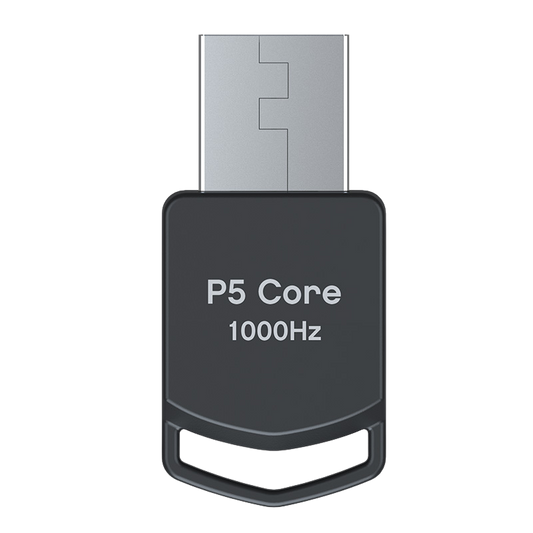
P5 Core Adapter for Titan Two
Regular price 171,00 PLNRegular price -
Titan Two Connection Kit USB Cables for Console and PC Setup
Regular price 117,00 PLNRegular price -
Titan Two Bluetooth Module Expansion Kit
Regular price 171,00 PLNRegular price