Titan Two PS5-installatiegids (P5-adapter)
Stapsgewijze instructies voor het instellen van de Titan Two met de P5 Adapter voor gebruik op PlayStation 5. De P5 Adapter is vereist voor compatibiliteit met PS5-systemen en wordt apart verkocht.

1
Verbind de Titan Two met je pc of Mac met de meegeleverde USB-kabel via de PROG-poort.

2
Open de configuratiesoftware op je computer en open de apparaatinstellingen.

3
Stel het uitvoerprotocol in op PlayStation 5 en sla de instellingen op.

4
Koppel de Titan Two los van je computer, zet de achterste poort op OUTPUT en sluit het apparaat met een USB-kabel aan op je PlayStation 5.

5
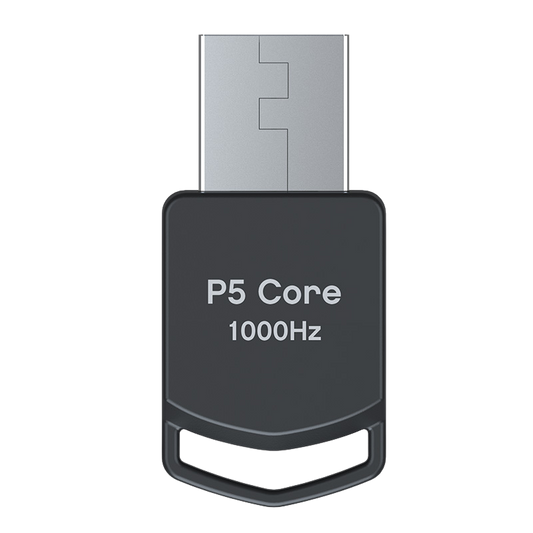
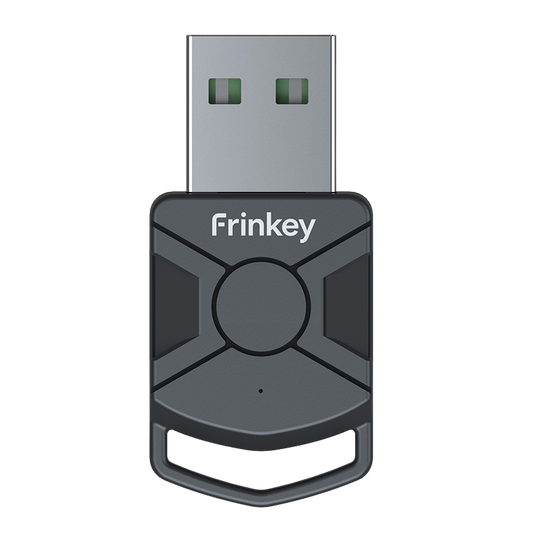
Sluit de P5 Adapter aan op poort B van de Titan Two.
De “B”-led moet continu groen branden.

6
Sluit je controller aan op poort A van de Titan Two.
Je Titan Two is nu klaar voor gebruik op PS5.
Het apparaat werkt via standaard invoersignalen van de controller en wijzigt geen spelsoftware.
Compatibiliteitsopmerking: P5 Adapter General en P5Core zijn functioneel identiek. Ze bieden dezelfde PS5-authenticatie die vereist is voor Titan Two en kunnen door elkaar worden gebruikt. Het enige verschil is de productnaam en branding die door verschillende retailers of fabrikanten wordt gebruikt.
Upgrade je setup
-
Titan Two Apparaat All-in-one Universele Controlleradapter
Normale prijs 568,00 PLNNormale prijs -
P5 Core-adapter voor Titan Two
Normale prijs 150,00 PLNNormale prijs -
Titan Two Verbindingsset USB-kabels voor Console- en pc-installatie
Normale prijs 106,00 PLNNormale prijs -
Titan Two Bluetooth-module uitbreidingskit
Normale prijs 154,00 PLNNormale prijs