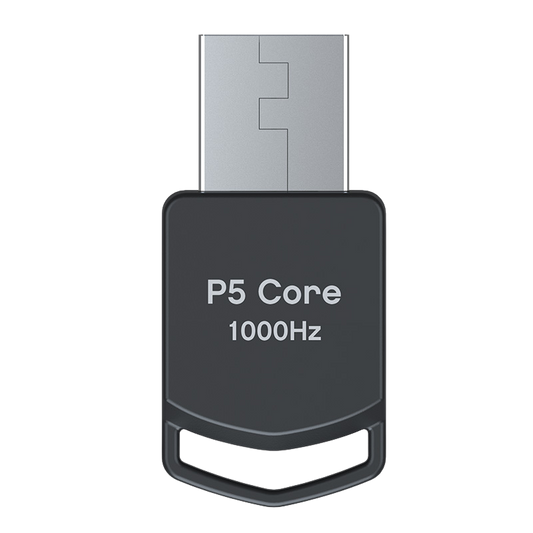
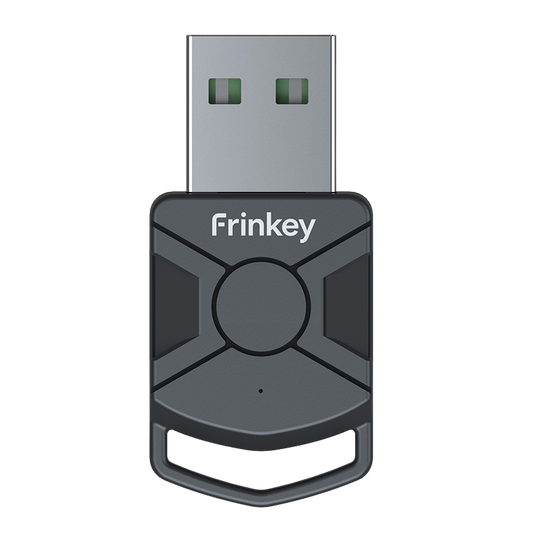
Guida alla configurazione di Titan Two PS5 (adattatore P5)
Istruzioni passo dopo passo su come configurare Titan Two con l'adattatore P5 per l'uso su PlayStation 5. L'adattatore P5 è necessario per la compatibilità con i sistemi PS5 ed è venduto separatamente.

1
Collega il Titan Two al tuo PC o Mac utilizzando il cavo USB incluso tramite la porta PROG.

2
Apri il software di configurazione sul tuo computer e accedi alle impostazioni del dispositivo.

3
Imposta il protocollo di uscita su PlayStation 5 e salva le impostazioni.

4
Scollega il Titan Two dal computer, imposta la porta posteriore su OUTPUT e collega il dispositivo alla tua PlayStation 5 usando un cavo USB.

5
Collega l'adattatore P5 alla Porta B del Titan Two.
Il LED “B” dovrebbe diventare verde fisso.

6
Collega il controller alla Porta A del Titan Two.
Il tuo Titan Two è ora pronto per l’uso su PS5.
Il dispositivo funziona tramite segnali di input standard del controller e non modifica alcun software di gioco.
Nota sulla compatibilità: P5 Adapter General e P5Core sono funzionalmente identici. Forniscono la stessa autenticazione PS5 richiesta per Titan Two e possono essere utilizzati in modo intercambiabile. L'unica differenza è il nome del prodotto e il branding utilizzato da diversi rivenditori o produttori.
Upgradea il tuo setup
-
Titan Two dispositivo controller universale tutto in uno
Prezzo di listino 567,00 PLNPrezzo di listino -
Adattatore P5 Core per Titan Two
Prezzo di listino 150,00 PLNPrezzo di listino -
Kit cavi USB Titan Two per configurazione console e PC
Prezzo di listino 106,00 PLNPrezzo di listino -
Kit di espansione modulo Bluetooth Titan Two
Prezzo di listino 154,00 PLNPrezzo di listino