Guía de configuración de Titan Two para PS5 (adaptador P5)
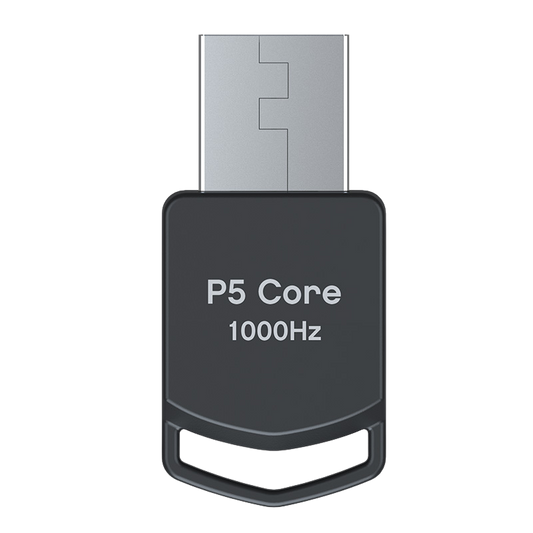
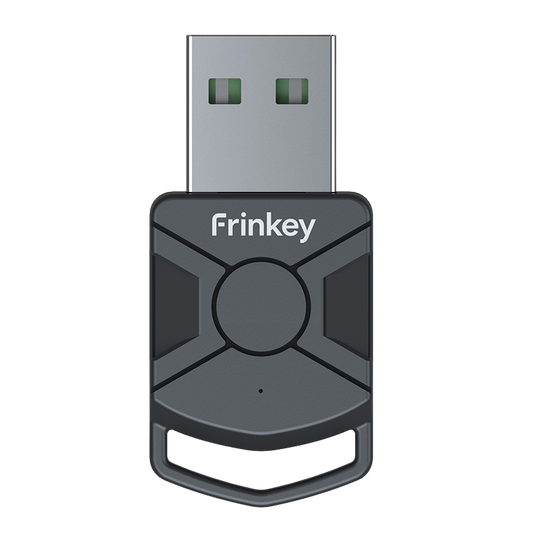
Instrucciones paso a paso sobre cómo configurar el Titan Two con el Adaptador P5 para su uso en PlayStation 5. El Adaptador P5 es necesario para la compatibilidad con los sistemas PS5 y se vende por separado.

1
Conecta el Titan Two a tu PC o Mac usando el cable USB incluido a través del puerto PROG.

2
Abra el software de configuración en su computadora y acceda a los ajustes del dispositivo.

3
Configura el protocolo de salida en PlayStation 5 y guarda los ajustes.

4
Desconecta el Titan Two de tu computadora, cambia el puerto trasero a OUTPUT y conecta el dispositivo a tu PlayStation 5 con un cable USB.

5
Conecta el adaptador P5 al puerto B del Titan Two.
El LED “B” debería ponerse verde fijo.

6
Conecta tu controlador al puerto A del Titan Two.
Tu Titan Two ya está listo para usar en PS5.
El dispositivo funciona mediante señales de entrada estándar del controlador y no modifica ningún software de juego.
Nota de compatibilidad: P5 Adapter General y P5Core son funcionalmente idénticos. Proporcionan la misma autenticación de PS5 requerida para Titan Two y pueden usarse indistintamente. La única diferencia es el nombre del producto y la marca utilizada por distintos minoristas o fabricantes.
Mejora tu configuración
-
Adaptador universal todo en uno Titan Two para controladores
Precio habitual 568,00 PLNPrecio habitual -
Adaptador Core P5 para Titan Two
Precio habitual 150,00 PLNPrecio habitual -
Kit de conexión Titan Two: cables USB para consola y PC
Precio habitual 106,00 PLNPrecio habitual -
Kit de expansión del módulo Bluetooth Titan Two
Precio habitual 154,00 PLNPrecio habitual