Installationsguide för Titan Two PS5 (P5-adapter)
Steg-för-steg-instruktioner för hur du konfigurerar Titan Two med P5-adaptern för användning på PlayStation 5. P5-adaptern krävs för kompatibilitet med PS5-system och säljs separat.

1
Anslut Titan Two till din PC eller Mac med den medföljande USB-kabeln via PROG-porten.

2
Öppna konfigurationsprogramvaran på din dator och gå till enhetsinställningarna.

3
Ställ in utgångsprotokollet på PlayStation 5 och spara inställningarna.

4
Koppla bort Titan Two från din dator, ställ den bakre porten till OUTPUT och anslut enheten till din PlayStation 5 med en USB-kabel.

5
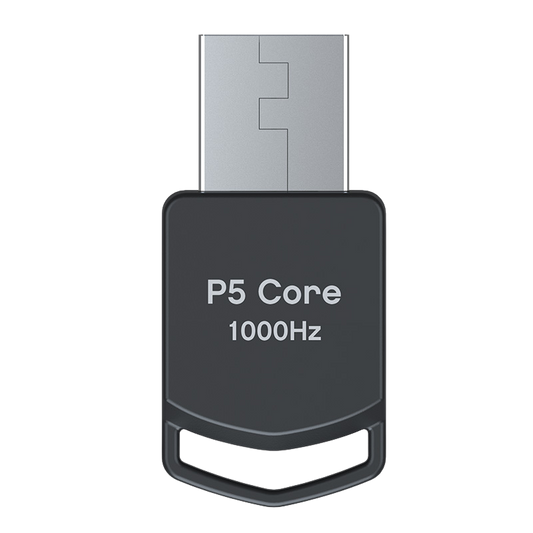
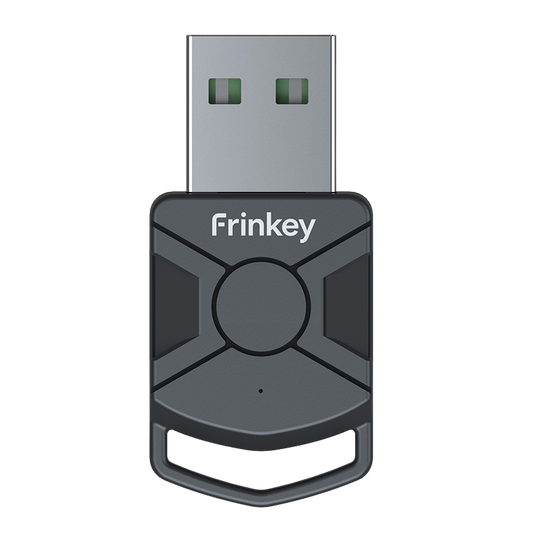
Anslut P5-adaptern till port B på Titan Two.
”B”-LED-lampan ska lysa med fast grönt sken.

6
Anslut din handkontroll till Port A på Titan Two.
Din Titan Two är nu redo att användas på PS5.
Enheten fungerar genom vanliga insignaler från handkontrollen och ändrar inte någon spelmjukvara.
Compatibility Note:P5 Adapter General and P5Core are functionally identical. They provide the same PS5 authentication required for Titan Two and can be used interchangeably. The only difference is the product name and branding used by different retailers or manufacturers.
Uppgradera din setup
-
Titan Two-enhet Allt-i-ett universell handkontrolladapter
Ordinarie pris 623,00 PLNOrdinarie pris -
P5 Core Adapter for Titan Two
Ordinarie pris 171,00 PLNOrdinarie pris -
Titan Two anslutningskit med USB-kablar för konsol- och PC-installation
Ordinarie pris 117,00 PLNOrdinarie pris -
Titan Two expansionskit för Bluetooth-modul
Ordinarie pris 171,00 PLNOrdinarie pris