Titan Two PS5 Setup Guide (P5 Adapter)
Schritt-für-Schritt-Anleitung zur Einrichtung des Titan Two mit dem P5 General-Gerät für die Verwendung auf PlayStation 5. Der P5 General wird benötigt, damit der Titan Two auf PS5 funktioniert und ist separat erhältlich.

1
Verbinden Sie mithilfe des mit dem Titan Two mitgelieferten USB-Kabels das Kabel mit dem PROG -Anschluss des Titan Two und das andere Ende mit Ihrem PC oder Mac .

2
Öffnen Sie die Gtuner IV- Software auf Ihrem Computer und klicken Sie auf „Gerätekonfiguration“.

3
Stellen Sie das Ausgabeprotokoll auf PlayStation 5 ein und speichern Sie die Konfiguration.

4
Frakobl Titan Two fra computeren og skift bagporten tilOUTPUT.
Tilslut Titan Two til dinPlayStation 5med et USB-kabel

5
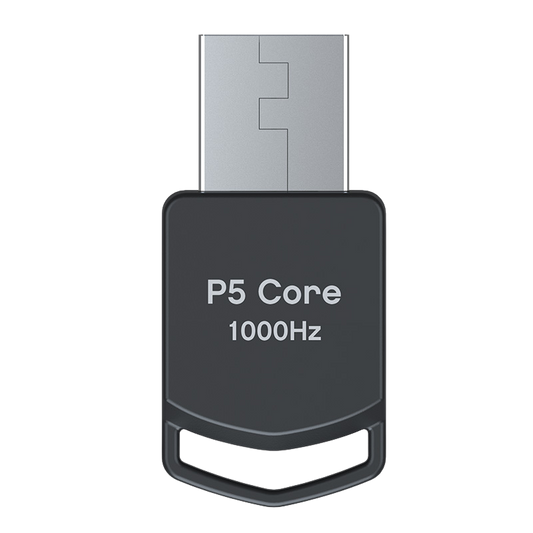
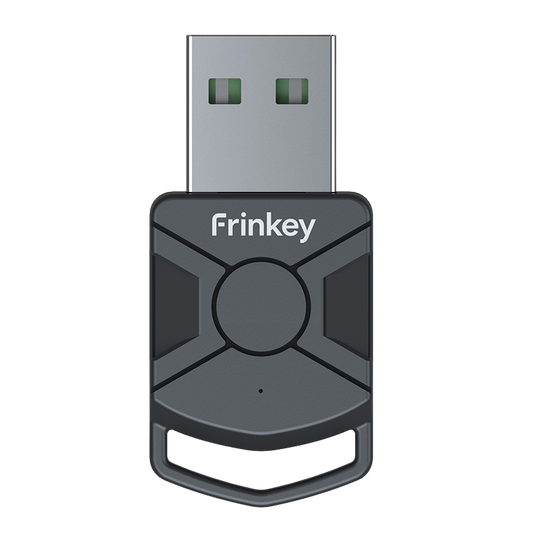
Schließen Sie das P5 General- Gerät an Port B des Titan Two an.
Die LED „B“ sollte durchgehend grün leuchten.

6
Schließen Sie Ihren PS5-Controller an Port A der Titan Two an.
Ihre Titan Two ist nun auf der PS5 mit aktivierten Skripten, Mods und Makros einsatzbereit.
The device operates through standard controller input signals and does not modify any game software.
Compatibility Note:P5 Adapter General and P5Core are functionally identical. They provide the same PS5 authentication required for Titan Two and can be used interchangeably. The only difference is the product name and branding used by different retailers or manufacturers.
Upgrade Your Setup
-
Titan Two controller-adapter til PS / Xbox / PC
Normalpris 623,00 PLNNormalpris -
P5 Core Adapter for Titan Two
Normalpris 171,00 PLNNormalpris -
Titan Two USB-programmeringskabel til konsol- og PC-opsætning
Normalpris 117,00 PLNNormalpris -
Titan Two Bluetooth-modul til trådløs controller-konfiguration
Normalpris 171,00 PLNNormalpris